Smart Universal TV Remote for iOS & Android

The Only Remote
Your Living Room Needs.

Turn your smartphone into a sleek, ultra-responsive universal remote. Seamlessly connect to Samsung, LG, Sony, Roku, Fire TV, Apple TV, and Android TV in seconds over Wi-Fi.


Download on the App Store Get it on Google Play
100+
Brands Supported
<15ms
Ultra Low Latency
4.9★
User Satisfaction
TV Remote App Interface
Smart TV Connected
Living Room • Wi-Fi 5GHz
Instant Response
Zero input latency
Seamlessly Compatible with 100+ Smart TV Brands & Systems
Samsung Tizen
LG webOS
Sony BRAVIA
Roku TV
Fire TV
Google TV
Android TV
Apple TV
TCL
Hisense
Xiaomi
Philips

Designed for Ultimate Speed & Precision

Everything you loved about physical remotes, modernized with fluid haptic navigation, rapid typing, and multi-device auto discovery.

Universal TV Discovery

Instantly finds Samsung, LG, Roku, Fire TV, Sony, Android TV on your local Wi-Fi with zero complicated setup.

Auto Discovery Preview

Fluid Precision Touchpad

Glide across TV menus, web browsers, and media interfaces with effortless gestures and instant feedback.

Smart Keyboard Input

Stop painful one-by-one arrow key typing on your TV. Type search queries, URLs, and passwords instantly from your phone.

Instant App Launcher

Launch Netflix, YouTube, Prime Video, Disney+, Spotify, and your favorite apps directly with a single tap.

Lock Screen & Widgets

Control volume, pause media, or switch channels directly from your lock screen and home screen widgets.

Experience the Modern Interface

Crafted with dark obsidian elegance, neon violet accents, and ergonomically placed controls.

Quick Connect

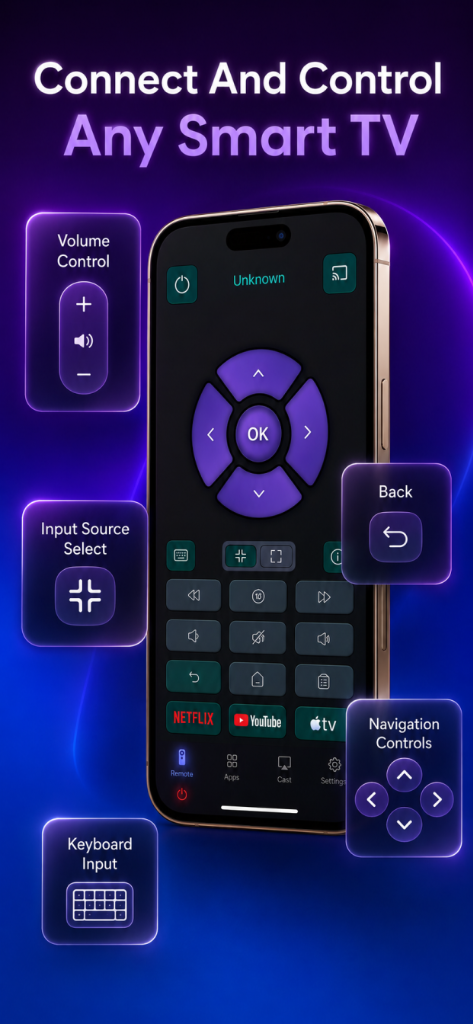
Connect And Control Any Smart TV

Effortlessly discover all smart TVs active on your home Wi-Fi network. Supports automatic pairing, instant wake-on-LAN, and reliable zero-lag communication.

TV Remote Showcase Screen

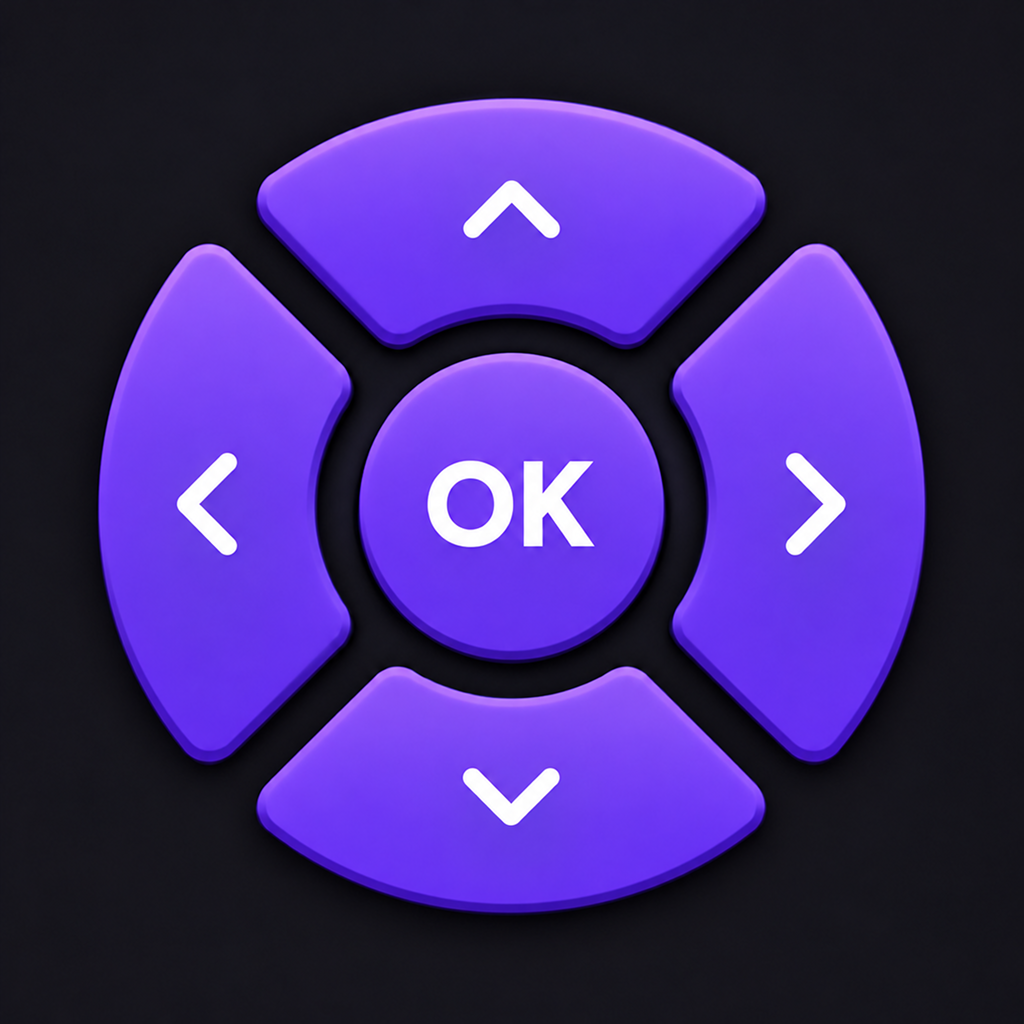
Experience the D-Pad Simulator Right Here

Click the directional arrows, OK center button, or remote controls below to test the instant tactile responsiveness.

Test Drive the Remote Controls

Experience how our tactile D-Pad navigation feels before you download. All controls provide real-time haptic audio clicks and status feedback.

REAL-TIME COMMAND TELEMETRY
Ready · Waiting for input...
App Store Google Play

Frequently Asked Questions

Everything you need to know about setting up and using the Universal TV Remote app.

How does the TV Remote app connect to my TV? +
The app connects directly to your Smart TV via your home Wi-Fi network using standard Bonjour/mDNS protocols. Simply ensure your phone and TV are connected to the same Wi-Fi router, open the app, and tap on your TV name to pair instantly.
Which TV brands and platforms are supported? +
Our application supports over 100+ TV brands, including Samsung (Tizen OS), LG (webOS), Sony (BRAVIA Android/Google TV), Roku TV, Amazon Fire TV, Apple TV, Philips, TCL, Hisense, Xiaomi, and other smart TVs running Android TV or Google TV.
Does this require an IR (Infrared) blaster on my phone? +
No! You do not need any hardware infrared blaster. The app communicates with your Smart TV entirely over high-speed local Wi-Fi, meaning you don't even have to point your phone directly at the television.
What should I do if the app cannot find my TV? +
Make sure: 1. Both your phone and Smart TV are connected to the exact same Wi-Fi network (avoid guest Wi-Fi networks).
2. Local Network permission is enabled on your phone (iOS Settings → TV Remote → Local Network).
3. Your TV is powered on. If your TV has an "IP Remote / Remote Control" option in its settings menu, ensure it is toggled on.
Is my personal data or viewing history tracked? +
No. We respect your privacy. All remote control commands and TV interactions occur strictly on your local Wi-Fi network. We do not track, collect, or store your viewing history or personal data. Please check our official Privacy Policy for full details.
TV Remote App Icon

Ready to Upgrade Your TV Experience?

Download free today on iOS and Android. No clunky plastic remotes, no battery replacements, pure seamless control.

Download on Apple App Store Get it on Google Play